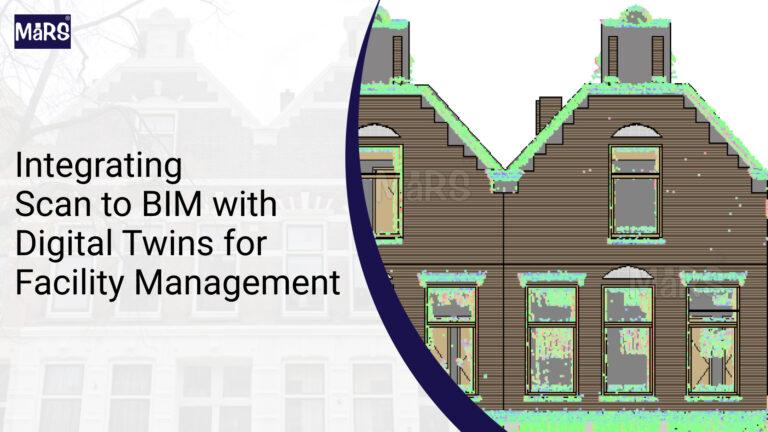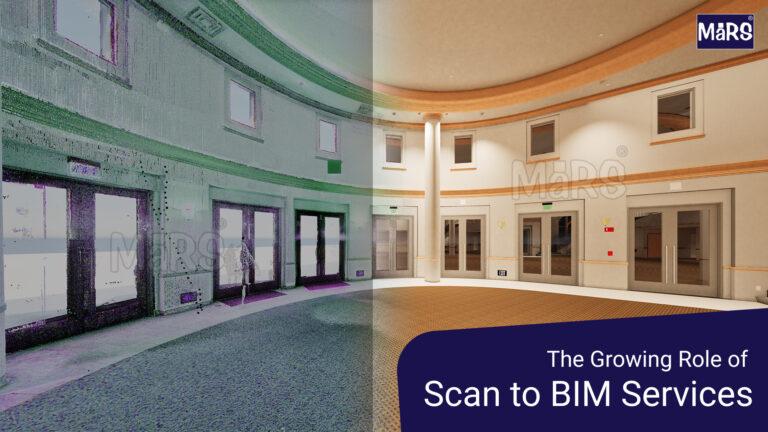

Subcontractors across the United States are hearing the same message from general contractors on project after project bring a BIM-capable team or do not bother bidding. That shift has moved from large federal and healthcare projects such as USA Federal Building Point Cloud to BIM down into mid-size commercial and industrial work. For trade contractors who have built their business on field experience and 2D drawings, it raises an urgent question.
Why Subcontractors Cannot Afford to Ignore BIM Any Longer?
The US construction industry has crossed a threshold. According to research published by Autodesk, BIM adoption among general contractors and owners has reached a point where project pre-qualification now routinely includes questions about software platforms, LOD capability, and coordination meeting participation. Subcontractors who cannot engage are screened out early.
For electrical contractors, mechanical contractors, and other trade subs, the stakes are concrete. A GC running a federated model for a hospital or data center project needs every trade to contribute a coordinated model. If your conduit layout or duct routing only exists on a 2D PDF, you create coordination risk that a BIM-capable competitor does not. GCs notice that difference and factor it into award decisions.
The foundational concept behind all of this is BIM, which refers to the process of creating and managing digital representations of a building’s physical and functional characteristics. Understanding that definition is step one. Everything else builds from it.
Understand What BIM Actually Requires from a Subcontractor
Before touching software, a subcontractor needs a realistic picture of what BIM involvement looks like on a typical project. The responsibilities fall into four categories.
Trade Model Production
You will be expected to produce a 3D model of your trade scope at a defined LOD. For MEP trades on commercial projects, this is typically LOD 300 or LOD 350. That means the model must reflect actual sizes, routing, and clearances, not just schematic intent. The core tool for most US projects is Autodesk Revit, which handles 3D modeling across all trades.
Coordination Participation
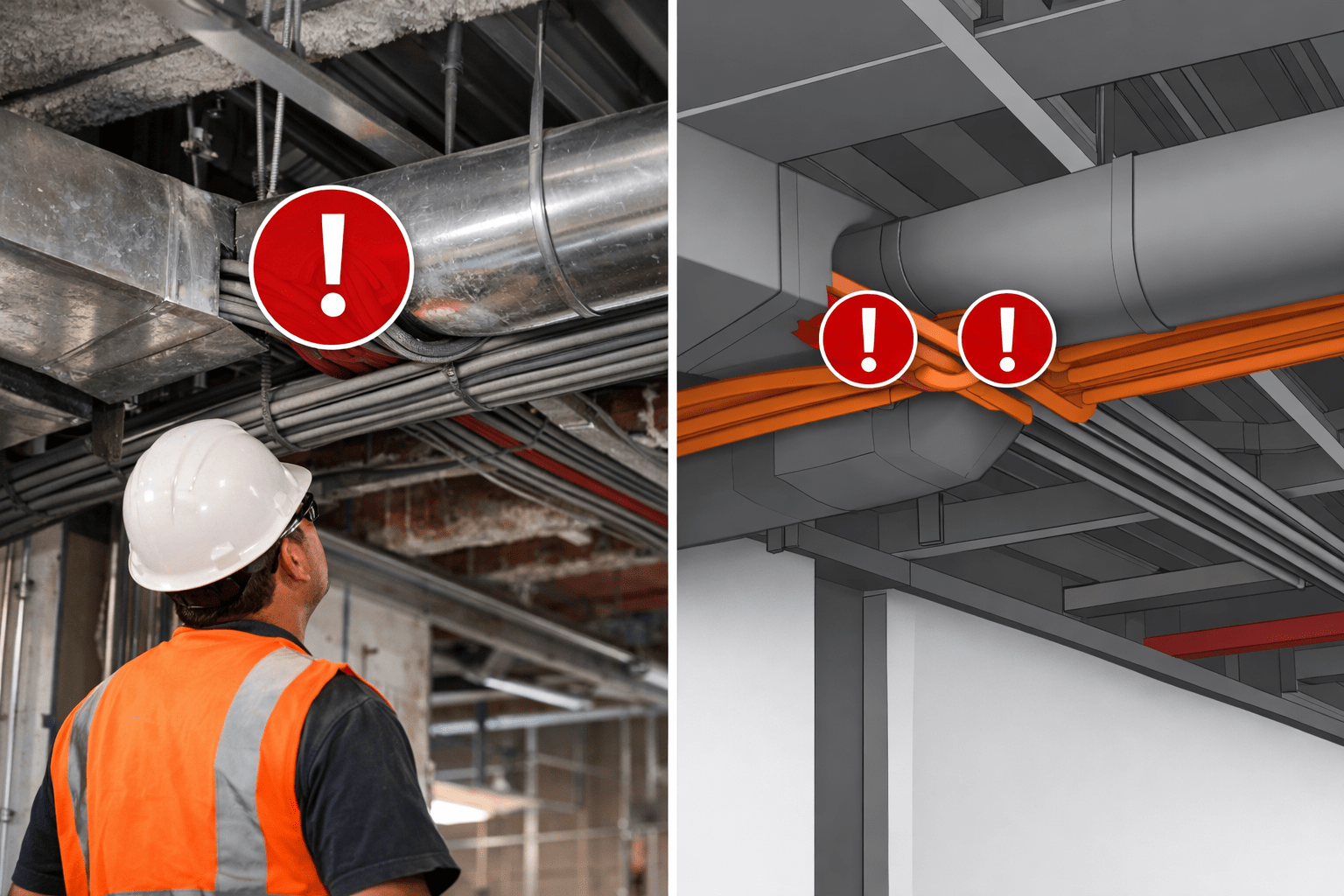
Once models are produced, they get federated into a single file, typically in Navisworks, and reviewed in clash detection sessions. Each trade is responsible for reviewing clashes involving their scope, proposing resolutions, and remodeling accordingly. This is not a one-time event. On active projects, coordination rounds can run weekly.
Shop Drawing and Submittal Production
Coordinated models feed directly into MEP shop drawings and submittals. When drawings are extracted from the model, they reflect the coordinated, clash-free geometry. This reduces RFI volume and speeds up GC approval cycles, which has a direct impact on your project schedule.
As-Built and Closeout Documentation
At project completion, many owners and GCs require as-built documentation in BIM format. Trade contractors who can deliver an updated model reflecting actual installed conditions complete the full digital project lifecycle. This feeds into COBie BIM Services data exports and facility management systems.
The Learning Sequence That Actually Works for Subcontractors
Most trade contractors who try to get into BIM start in the wrong place. They jump into Revit training without understanding the coordination workflow it serves. Here is the sequence that produces the fastest return on investment.
Start with BIM Coordination Fundamentals, Not Software
Before opening Revit, spend time understanding how BIM Coordination Services works on a project. Learn what a BIM Execution Plan contains. Learn how LOD levels are assigned. Learn how clash detection sessions are structured and what the GC’s VDC team expects from each trade. This context makes every software lesson more relevant and helps you ask the right questions.
Learn to Navigate a Model Before You Learn to Build One
Most field-facing project managers and superintendents do not need to build Revit models. What they need is the ability to open a Navisworks or BIM 360 file, navigate to their trade scope, review clash issues, and understand spatial relationships. This skill takes days to develop, not months, and it immediately changes how you show up in coordination meetings.
Build Revit Competency in Your Trade Scope
Once your team understands the coordination environment, invest in Revit modeling skills specific to your trade. For electrical contractors, that means conduit systems, cable tray, and panel placements. For mechanical contractors, it means ductwork, piping, and equipment. The MEP BIM Services workflow is different from architectural or structural BIM, and your training should reflect your actual scope.
Learn to Produce Shop Drawings from the Model
The commercial value of a coordinated model gets realized when it drives fabrication and installation documentation. Learning how to extract prefabricated MEP drawings and installation sheets from a coordinated Revit model closes the loop between design coordination and field execution. This is a skill that directly impacts project profitability.
BIM for Electrical Contractors: What to Prioritize
BIM for Electrical Contractors starts with understanding the spatial demands of conduit routing. In dense ceiling plenums, conduit runs compete with duct, pipe, structural members, and sprinkler heads for limited overhead space. An electrical sub who can model conduit paths, cable tray routes, and switchgear clearances in 3D contributes directly to a conflict-free coordination model.
The key skills to prioritize for electrical BIM include modeling conduit systems in Revit MEP, setting up electrical families for panels and switchgear, participating in clash detection for conduit conflicts, and producing installation drawings from the coordinated model.
Electrical subcontractors who bring BIM capability also stand out in prefabrication conversations. When conduit assemblies, cable tray sections, and panel wiring are designed in the model, off-site fabrication becomes feasible. That reduces field labor and shortens installation time, both of which matter significantly to a GC managing a tight schedule.
BIM for Mechanical Contractors: Where the Complexity Lives
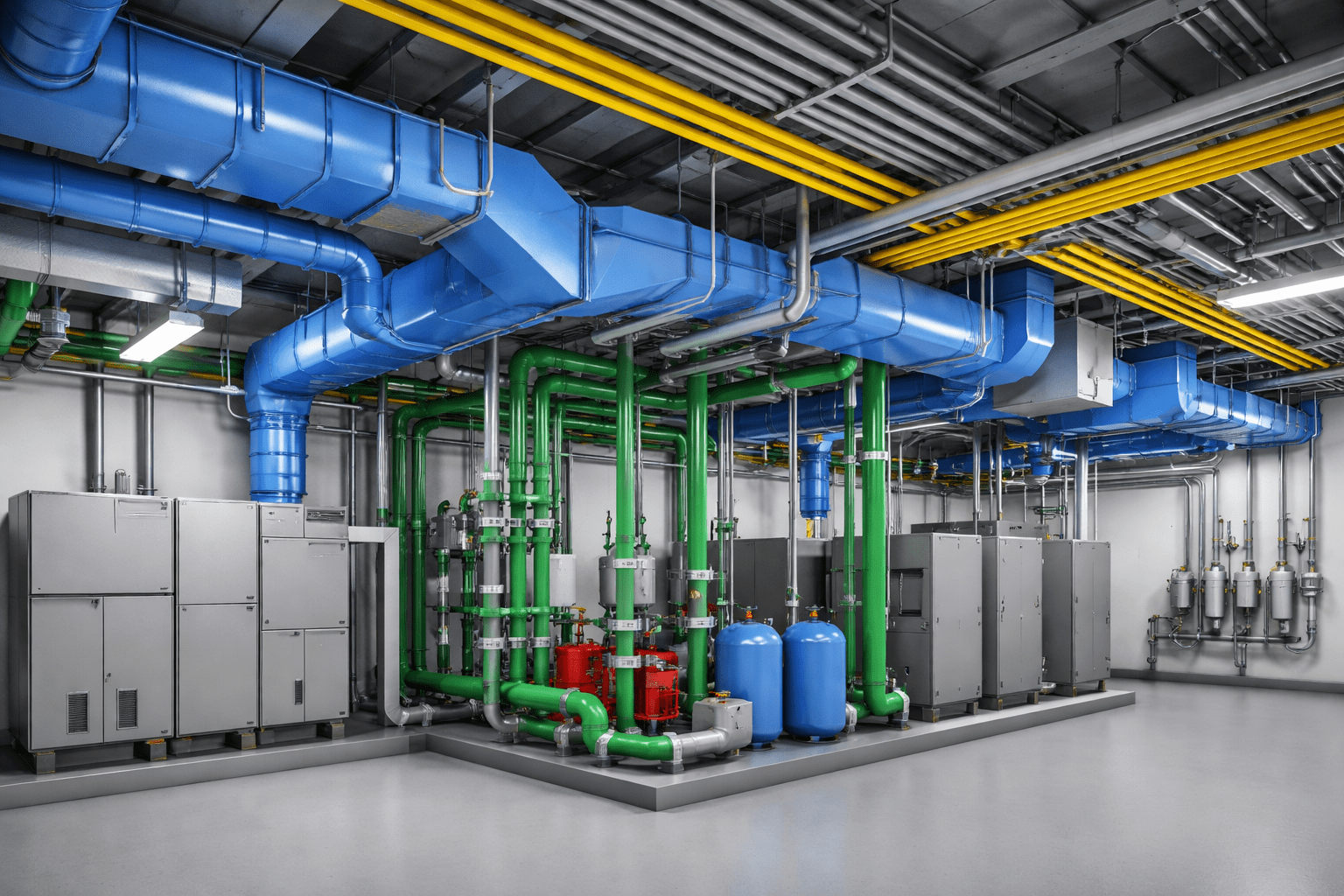
BIM for Mechanical Contractors involves some of the most space-intensive systems in any building. Large-diameter ductwork, chilled water and hot water piping, air handling units, and rooftop equipment all require careful coordination with structure and other trades. A mechanical sub who cannot model these systems leaves the GC’s coordination team filling in gaps manually, which creates risk and friction.
The starting point for mechanical BIM is ductwork modeling in Revit MEP. HVAC systems are typically the largest spatial claim in a ceiling plenum, and resolving duct routing conflicts early prevents costly field rerouting. After ductwork, piping systems and equipment placement follow the same modeling principles.
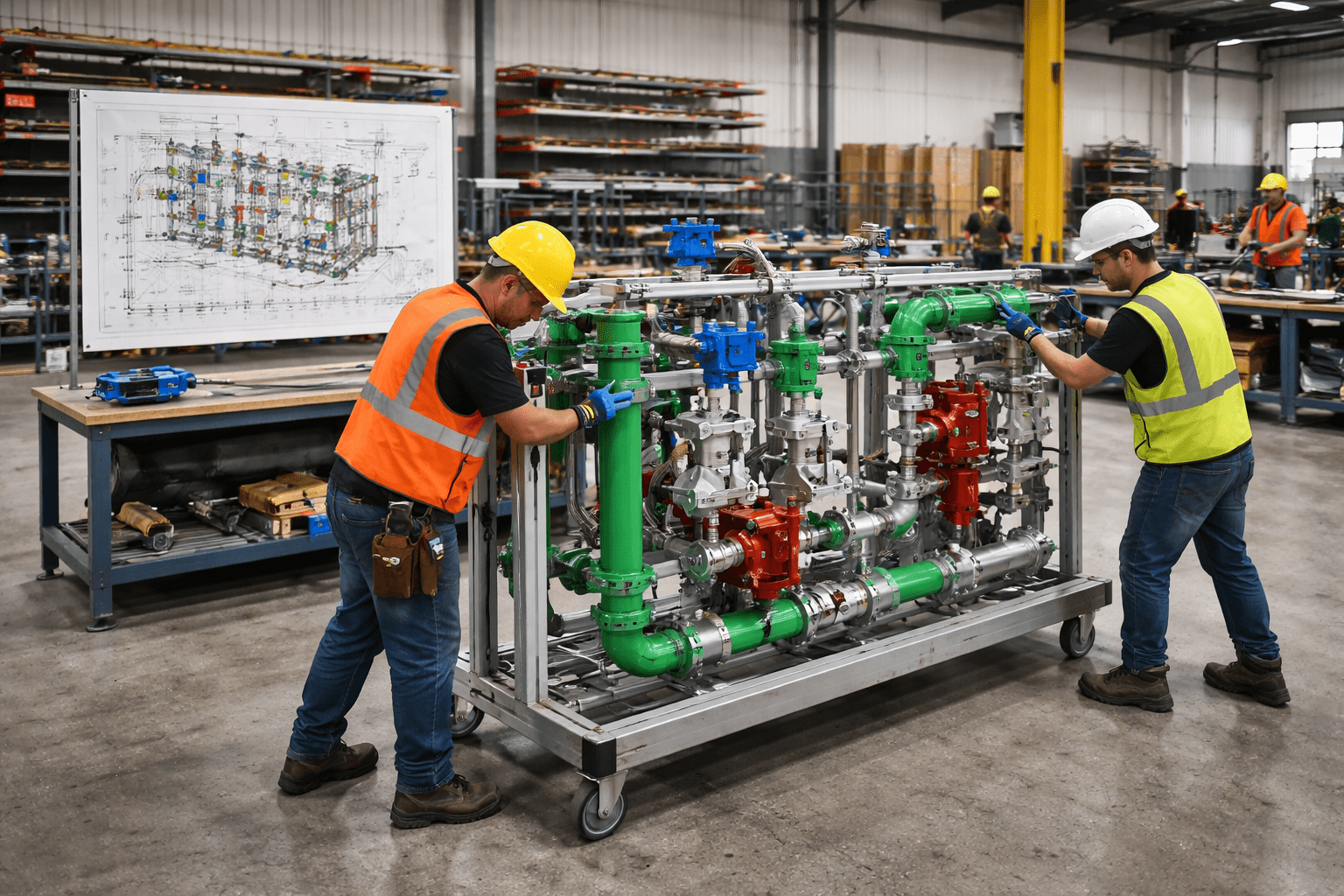
Mechanical contractors who advance their BIM capability into prefabrication gain a significant edge. Pipe spool drawings extracted from a coordinated model allow pre-assembled pipe spools to arrive on-site ready for installation. This dramatically reduces field labor hours and improves installation quality.
Should You Build an In-House BIM Team or Outsource?
This is the most common strategic question subcontractors face when starting with BIM, and the answer depends on your project volume, trade scope, and growth targets.
The Case for Outsourcing First
For subcontractors entering BIM for the first time, outsourcing to an experienced BIM services partner is the fastest way to become competitive on BIM-required projects without disrupting existing workflows. You get access to trained Revit modelers, coordination staff, and Structural BIM Services and MEP expertise without the overhead of hiring, training, and software licensing.
Outsourcing also lets you learn from the partnership. When you work alongside a BIM services team on a live project, your project managers and field supervisors see how coordination works in practice. That experience accelerates in-house capability development faster than any training course.
Building In-House Capability Over Time
Once you have completed two or three BIM-coordinated projects, you have a clearer sense of where in-house capability pays off. For most trade contractors, the highest-value in-house skill is Revit modeling in your specific trade scope. Supporting capabilities like CAD to BIM conversion and clash detection review can be handled by an outsourced partner for a longer period.
Consider hiring a dedicated BIM coordinator who understands your trade and can manage outsourced modeling while building internal knowledge. This role bridges your field operations and your BIM services partner and is one of the most efficient investments a growing sub can make. Reviewing how 4D scheduling integrates with your project delivery process is a natural extension of this role.
Key BIM Services Every Subcontractor Should Know
Whether you are building internal capability or working with a BIM partner, understanding the full range of BIM services helps you have smarter conversations with GCs during preconstruction. Here are the services most directly relevant to trade contractors.
- 3D Modeling — the foundation of trade coordination, producing geometry-accurate models that reflect real installation conditions
- Clash Detection — identifies spatial conflicts between trades before field crews encounter them
- MEP Coordination — the multi-trade coordination process that produces a conflict-free installation model
- MEP Shop Drawings — fabrication and installation drawings extracted directly from the coordinated model
- Scan to BIM — converts point cloud laser scan data into accurate as-built models, critical for renovation and retrofit projects
- 5D Cost Estimation — links model elements to cost data for real-time quantity take-off and budget tracking
- Revit Family Creation — builds equipment and component families specific to your trade products and specifications
How to Use BIM Capability to Win More Work?
Learning BIM is the foundation. Using it to win work requires a deliberate approach to how you present that capability to GCs. Here is what works in practice.
Document Your BIM Experience on Past Projects
GCs ask about BIM experience during pre-qualification. If you have participated in coordination meetings, submitted model-based shop drawings, or contributed to a federated model on any past project, document it. Even a single well-executed BIM project gives you a reference that a competitor without BIM experience cannot match.
Show Up to Preconstruction Coordination Meetings Ready
The fastest way to signal BIM capability to a GC is to show up to the first coordination meeting with your model open and your scope understood. GCs who run preconstruction BIM sessions remember which subs were prepared. That memory influences the next bid invitation.
Offer Prefabrication as a Value-Add
Subcontractors who combine BIM coordination with prefabrication capability are among the most valued trade partners in the US market today. When you can say that your scope will arrive on-site as pre-assembled, model-verified modules, you are reducing the GC’s schedule risk in a meaningful way. The prefabricated MEP drawings that make this possible come directly from the coordinated BIM model.
Align with GC BIM Execution Plan Standards
Before your first BIM project with a new GC, ask for a copy of their standard BIM Execution Plan template. Review the LOD requirements, software standards, and submission schedule. A sub who engages with the BEP before work starts signals to the GC’s VDC team that you understand how the process works. That signal has real commercial value. The BIM coordination workflow built into a BEP is not complicated once you have seen it once.
A Realistic Timeline for Getting BIM-Ready
Subcontractors often overestimate how long it takes to become BIM-capable and underestimate how quickly that capability generates a return. Here is a realistic milestone sequence for a trade contractor starting from scratch.
- Month one and two: Audit your current project pipeline for BIM requirements. Identify one upcoming project where BIM is expected. Contact a BIM services partner to understand what support they can provide for that project.
- Month two and three: Have your BIM partner model your trade scope for the target project. Attend coordination meetings alongside their staff. Assign one project manager to learn model navigation in Navisworks or BIM 360.
- Month three and six: Deliver your first BIM-coordinated project. Document the experience, note where your partner handled work you want to bring in-house, and request a reference from the GC’s BIM manager.
- Month six and twelve: Begin Revit training for your trade scope. Hire or identify a BIM coordinator role. Start bidding on projects that require BIM with confidence that you have delivery capability.
Conclusion
BIM for Subcontractors is not a distant technology upgrade. It is a current market requirement in the United States construction industry, and the entry point is more accessible than most trade contractors assume. The key is to start with the right sequence: understand the coordination workflow before touching software, build model navigation skills before modeling skills, and use outsourced BIM partners to get on live projects while building internal capability over time.
For electrical contractors and mechanical contractors especially, BIM is where the next generation of competitive advantage lives. The trade subs who are winning the most profitable work with the best GCs in 2025 and beyond are the ones who showed up BIM-ready two years earlier than their competitors.